

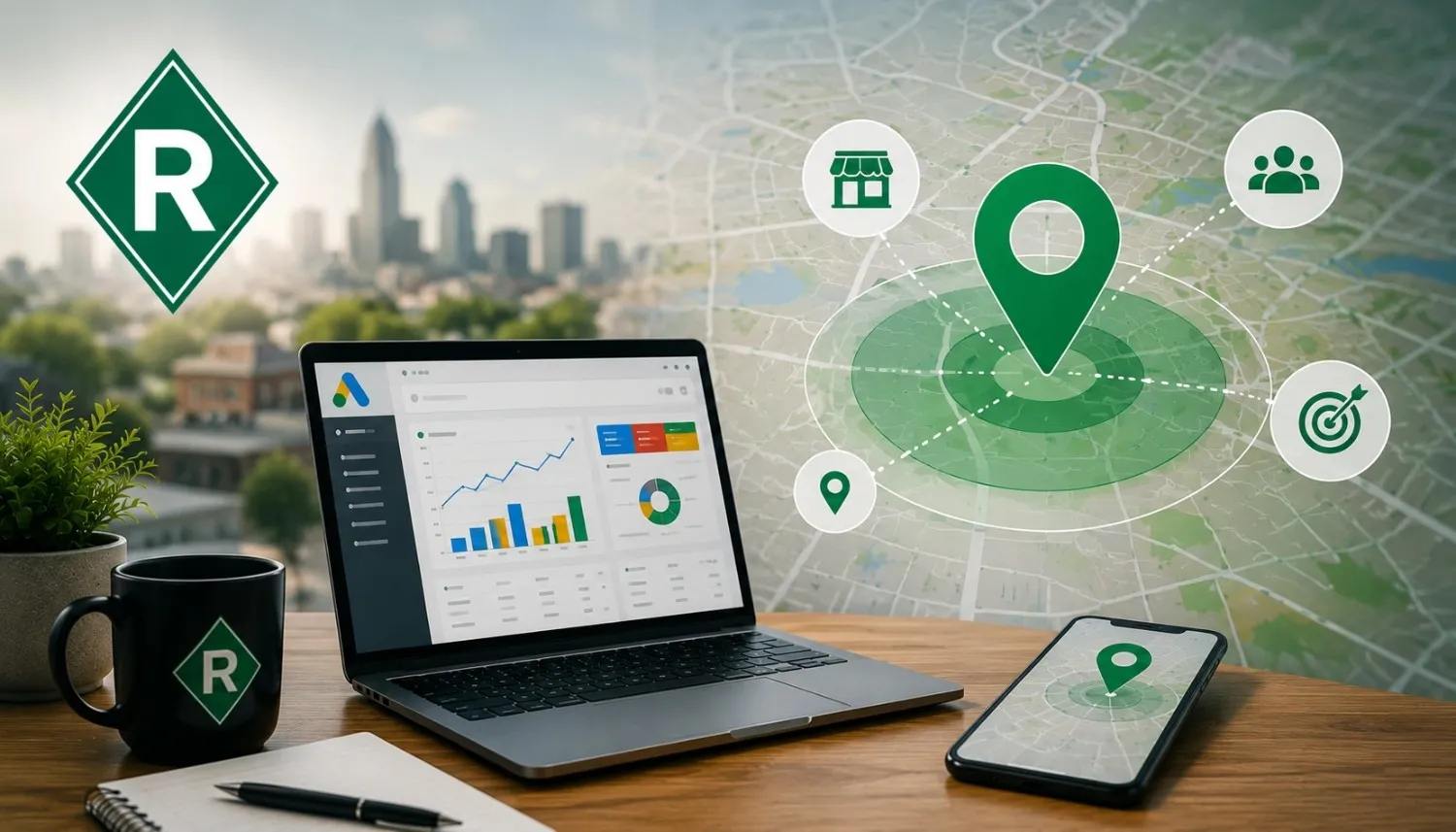
Geo-targeting Google Ads is the single most powerful tool available to a local business running paid search campaigns and one of the most consistently misconfigured settings in small business accounts across Ohio and the rest of the country. If you have ever run a Google Ads campaign and watched your budget disappear without producing a single qualified local lead, there is a real chance your location targeting was set up incorrectly from day one.
Here is what most small business owners do not realize: the default location settings in a new Google Ads campaign are not built for local businesses. They are built for advertisers who want maximum reach. For a local business in Marysville, Delaware, or Bellefontaine, Ohio, maximum reach is the opposite of what you need. You need your ads appearing in front of people who can actually become your customers, the ones within your service area, searching for exactly what you offer, right now.
That is what proper geo-targeting delivers. And getting it right changes everything about how your ad budget performs.
What Geo-Targeting in Google Ads Actually Does
Google Ads location targeting gives advertisers precise control over where their ads appear by country, state, city, zip code, radius around a specific address, or even by drawn service area on a map. For local businesses, this control is the difference between a cost-effective local advertising strategy and a campaign that burns money reaching people who will never walk through your door or call your number.
When geo-targeting for local businesses is configured correctly, every dollar in your ad spend is working toward the same goal: reaching nearby customers who have demonstrated local search intent meaning they are actively searching for your product or service in the area you serve.
Local search advertising without location targeting is like advertising on a national radio station when your business only serves a single county. The audience is technically there, but 95% of them can never become your customer.
The Default Settings That Hurt Local Businesses
This is where most small business Google Ads campaigns go wrong before a single ad is ever shown. When you create a new campaign, Google defaults to targeting people “in, or who show interest in, your targeted locations.” That second phrase “who show interest in” is the budget killer for local businesses.
It means your ads can show to someone in California who recently searched for information about Columbus, Ohio. They are not your customers. They will never be your customer. But if they click your ad, they cost you money.
Google Ads location settings for local businesses should almost always be set to “Presence: People in or regularly in your targeted locations” which restricts your ads to people who are physically located in your service area, not just people who have shown interest in it. This single setting change regularly produces meaningful improvements in lead quality and reduces wasted ad spend for local campaigns.
The Most Effective Geo-Targeting Strategies for Local Businesses
Radius Targeting Around Your Physical Location
For most service-area businesses and brick-and-mortar stores, radius targeting is the most practical place to start. Set a radius around your address that reflects the realistic distance from which customers would drive or call to use your service then tighten or expand based on actual performance data.
A dentist in Richwood, Ohio might target a 15-mile radius. A roofing contractor with a mobile crew might target a 40-mile radius. The key is matching your targeting radius to your actual service area not defaulting to whatever Google suggests.
City-Specific Google Ads Targeting
For businesses that operate in multiple Ohio cities or communities like a plumber serving both Marion and Delaware counties, city-specific Google Ads targeting lets you create separate ad sets for each location, using ad copy that speaks directly to customers in each community.
This approach also works well alongside local SEO for multiple locations, where each service area can have its own optimized location page, Google Business Profile strategy, and locally relevant content. Coordinating your paid search targeting with your organic local SEO strategy creates a more consistent presence across the communities you serve.
“Same-day plumbing service in Marion, Ohio” will always outperform “plumbing services in central Ohio” for a Marion resident who is searching with genuine urgency. City-specific targeting paired with city-specific ad copy dramatically improves local relevance signals which improves your Quality Score, lowers your cost per click, and increases your conversion rate simultaneously.
Zip Code Targeting Google Ads
For businesses with very specific service areas or businesses that want to focus budget on their highest-value neighborhoods or communities, zip code targeting Google Ads allows precision down to the individual postal code level.
This approach is particularly effective for hyperlocal advertising in markets where different zip codes have meaningfully different customer demographics or purchase behavior. It is also useful for testing: running campaigns across multiple zip codes and identifying which areas produce the lowest cost per lead before concentrating budget there.
Google Ads Location Exclusions
Just as important as where you target is where you explicitly exclude. Google Ads location exclusions prevent your ads from showing in areas that are consistently outside your service area saving budget that would otherwise be wasted on clicks from people you cannot serve.
For an Ohio business, this might mean excluding out-of-state metro areas that border Ohio but fall outside your actual coverage area, or excluding specific counties where you do not operate. Exclusions are often the fastest way to reduce wasted ad spend without reducing total reach in your actual target market.
Geo-Targeting vs. Geo-Fencing What Is the Difference?
A question that comes up frequently in local marketing strategy discussions is geo-fencing vs geo-targeting. They are related but distinct concepts.
Geo-targeting in Google Ads defines the broader geographic area where your ads are eligible to show your city, radius, zip code, or state. It is campaign-level location control.
Geo-fencing is a more precise mobile-focused technique where a virtual boundary is drawn around a specific physical location, a competitor’s storefront, a trade show, or a shopping center and ads are served to users who enter that boundary with their mobile device.
For most local businesses running Google Search Ads, geo-targeting at the radius or city level is the right starting point. Geo-fencing is an advanced tactic more commonly used with display and mobile advertising campaigns rather than search-intent based PPC.
How to Pair Geo-Targeting With Google Business Profile for Maximum Local Impact
One of the most effective local business Google Ads strategies is running search campaigns alongside an actively managed Google Business Profile. When a local customer searches for your service, they often see both your GBP listing in the Google Maps local pack and your search ad in the results creating dual visibility that dramatically increases the likelihood of a click and a conversion.
Google Business Profile and Google Ads can be linked directly in your account, enabling location extensions in your ads which display your address, phone number, and distance from the searcher directly within the ad itself. For local customer acquisition, location extensions consistently improve click-through rates because they add the geographic credibility that confirms to the searcher: this business is actually near me and serves my area.
Conversion Tracking The Other Half of a Winning Geo-Targeted Campaign
Geo-targeting puts your ads in front of the right people. Conversion tracking for local ads tells you which of those people are actually becoming customers and which targeting configurations are producing the most efficient results.
Without conversion tracking, you are flying blind. You can see which cities or zip codes are generating clicks, but you cannot see which ones are generating phone calls, form submissions, or booked appointments. Setting up call tracking and form conversion goals in your Google Ads account gives you the data to continuously improve local ad performance moving budget toward the geographic areas and ad configurations that are actually producing qualified leads.
PPC budget optimization for local businesses is fundamentally a data exercise: more budget toward what converts, less toward what does not. Conversion tracking is what makes that optimization possible.
Why Trust Richwood Marketing With Your Local Google Ads Strategy
At Richwood Marketing, geo-targeting and local Google Ads management are core to every PPC campaign we run for Ohio small businesses including the business customers of Richwood Bank, whose digital marketing services our team provides. We have seen the direct difference that proper location targeting makes in campaign performance: lower cost per lead, higher lead quality, and ad spend that consistently reaches the Ohio communities where our clients actually serve customers.
Richwood Marketing does not set up a campaign and walk away. We monitor location performance data continuously, refine targeting based on what the conversion data shows, and adjust exclusions when budget is being wasted on geographic areas that are not producing results. Every geo-targeting decision we make is tied to a measurable business outcome because for a local Ohio business, that is the only standard that matters.
Frequently Asked Questions
What is geo-targeting in Google Ads and how does it work for a local business in Ohio?
Geo-targeting lets you control where your ads appear by city, radius, or zip code ensuring your ad budget reaches only potential customers in your Ohio service area, not random audiences outside it.
Why are my Google Ads showing to people outside my service area even after I set a location?
The default Google Ads location setting targets people “interested in” your location, not just people physically there. Change the setting to “Presence only” to restrict ads to your actual service area.
What is the difference between radius targeting and zip code targeting in Google Ads?
Radius targeting shows ads to people within a set distance from your address. Zip code targeting gives more granular control over specific neighborhoods or communities, useful for businesses with irregular service areas.
How do Google Ads location exclusions help reduce wasted ad spend for local businesses?
Location exclusions prevent your ads from showing in areas outside your service coverage directly eliminating clicks from people who can never become customers and improving your overall cost per lead.
Should a local business use geo-targeting in Google Ads alongside an active Google Business Profile?
Yes. Linking your GBP to your Google Ads account enables location extensions that display your address in the ad itself improving click-through rates by confirming geographic proximity to the searcher.
Conclusion: Geo-Targeting Is How Local Businesses Win Google Ads
Geo-targeting Google Ads is not an advanced tactic reserved for large marketing budgets. It is the foundational setting that determines whether your local advertising strategy is working with your service area or fighting against it. For Ohio small businesses with limited ad budgets and real local customers to reach, proper geo-targeting is the difference between a campaign that generates qualified leads and one that generates expensive irrelevant clicks.
The default settings will not protect you. Understanding your options and setting them up correctly or working with a team that does is what separates profitable local Google Ads from the campaigns that business owners eventually give up on and write off as “not working.”
Get a Free Google Ads Geo-Targeting Audit from Richwood Marketing We will review your current campaign location settings, identify where your budget is being wasted on out-of-area clicks, and show you exactly how to reconfigure your targeting to reach only the Ohio customers who can actually become your next sale.
