
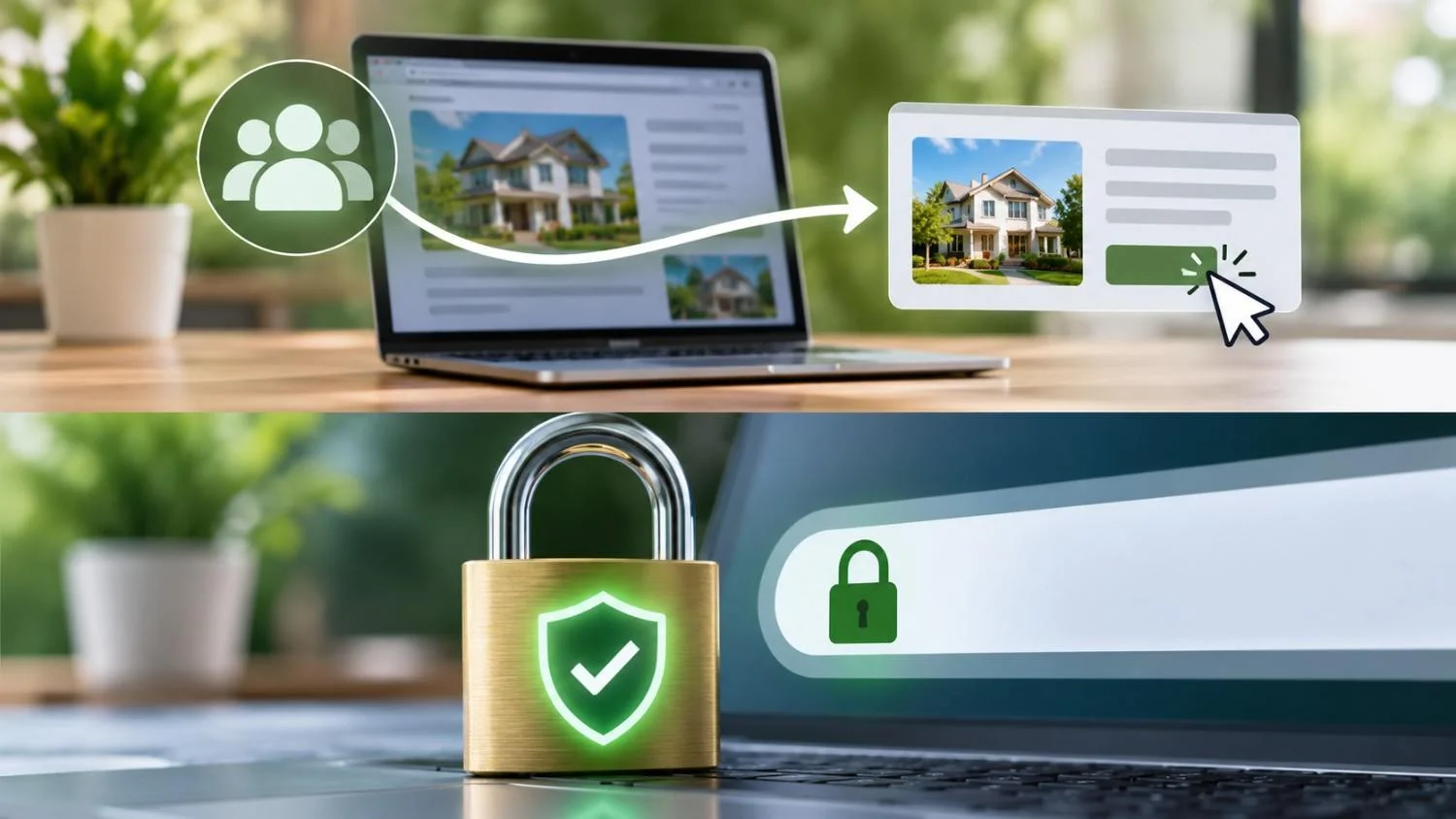
Picture a homeowner in Marysville who finds your business on Google, taps your link, and sees a gray warning at the top of her screen: “Not Secure.” She does not read your services or your reviews. She taps the back button and calls the next company on the list. You never find out it happened.
That warning is what you get when a site has no SSL certificate. So, what is an SSL certificate? It is a small digital file installed on your web server that encrypts the information traveling between your website and your visitors, and proves your site is the real thing. When it is working, your address starts with https:// and browsers show a padlock.
If you are planning a new site, HTTPS should be part of any good website design project from day one. If you already have a site, this guide will help you understand what an SSL certificate does, why it matters for leads and rankings, how to get one, and how to fix the errors that trip people up.
An SSL certificate (technically TLS today) encrypts data between a visitor’s browser and your website and verifies your site’s identity. Your site needs one to protect form entries and payments, avoid the “Not Secure” warning, build trust, and support SEO. To get one, ask your host or web designer, pick a type (DV is enough for most small businesses), install it, and redirect HTTP to HTTPS. Many hosts include it for free. Renew it before it expires.
What Is an SSL Certificate in Simple Terms?
SSL stands for Secure Sockets Layer. The easiest way to understand it is to think about mail. Without SSL, the details a visitor types into your contact form travel like a postcard, and anyone handling it along the way could read it. With SSL, that postcard goes inside a sealed, tamper-proof envelope that only your website can open.
The certificate is also a kind of digital ID. A trusted organization called a Certificate Authority checks that the domain really belongs to you, then signs a certificate saying so. Your visitor’s browser checks that signature in a split second, before the page even loads.
A quick note on terminology, because it confuses almost everyone. SSL is the older name. Its modern replacement is TLS (Transport Layer Security), and nearly every “SSL certificate” sold today actually uses TLS. The name SSL simply stuck. HTTPS is the secure version of the web address that you get once the certificate is installed.
How Does an SSL Certificate Work?
When someone visits your site, a quick handshake happens behind the scenes:
- The browser asks your server to prove who it is.
- Your server sends its SSL certificate.
- The browser checks that a trusted authority signed it and that it has not expired.
- The two agree on a secret key, and everything after that is encrypted.
All of this takes milliseconds, which is why visitors never notice it. They only notice when it fails.
What Does an SSL Certificate Do for a Website?
In practice, an SSL certificate does four jobs. It scrambles data so hackers cannot read it, it confirms that visitors are on your real website, it stops information from being changed in transit, and it turns on the padlock that people have learned to look for.
One honest caveat: SSL protects information while it travels. It does not remove malware, block every hack, or fix a weak admin password. Think of it as a strong lock on the front door, not a full security system.
What Is an SSL Certificate and Why Is It Important?
The purpose of an SSL certificate is to make the connection between a visitor and your website private and trustworthy. For a local business, that shows up in a few very practical ways.
First, trust. Chrome began labeling plain HTTP pages “Not Secure” in July 2018, and browsers have only gotten stricter since. Second, search. Google has confirmed HTTPS as a ranking signal. It is a light one, but it comes free with good on-page SEO practice, and a site with warnings loses visitors before they can engage. Third, leads. People hesitate to type a name and phone number into a form their browser calls unsafe. Finally, compliance. Any site that takes payments, logins, or personal details is expected to use encryption, and payment processors typically require it.
SSL also supports other technical work. Structured data such as local business schema markup works best on a site that is clean, consistent, and served over HTTPS.
There is one myth worth clearing up. According to a Bitdefender roundup of industry data, over 90 percent of phishing sites now use HTTPS as well. The padlock means the connection is private. It does not mean the business behind the site is honest. Real trust comes from SSL combined with clear contact details, reviews, and a professional site.
What Happens If I Don’t Have an SSL Certificate?
The most visible result is the browser warning. On an expired certificate, visitors may see a full-page “Your connection is not private” message that most people will not click through. Beyond that, anything typed into your forms can be intercepted, your Google performance can slip behind competitors who use HTTPS, and many payment gateways will refuse to work with you.
For a service business, the costliest effect is the quiet one: the calls and form fills that never happen because a visitor did not feel safe. In our experience designing and managing about 180 websites since 2014, an expired or misconfigured certificate is one of the most common causes of a sudden drop in website inquiries, and it is usually fixed in minutes once someone notices.
What Are the Types of SSL Certificates?
Not all certificates verify the same things. Here is how the main types compare.
| Type | What it verifies | Typical cost | Best for |
| Domain Validated (DV) | You control the domain | Free to low cost | Blogs, small business sites |
| Organization Validated (OV) | Your business identity | About $100 to $999 per year | Sites collecting customer data |
| Extended Validation (EV) | Full business vetting | Higher | Banks, large online stores |
| Wildcard | One certificate for all subdomains | Varies | Sites with many subdomains |
For most small and local business websites, DV or OV is plenty. If you take payments or handle sensitive data, choose OV or higher. Prices come from published industry ranges and vary by provider.
Free vs. Paid SSL Certificates: Does It Matter?
This is one of the most common questions, and the answer surprises people. The encryption in a free certificate, such as one from Let’s Encrypt, is just as strong as in a paid one. What you pay for is a higher level of business validation, provider support, and a warranty. So a free certificate is a safe choice for a brochure site or blog, while an online store or a business that handles sensitive information may prefer OV or EV.
How Do I Get an SSL Certificate? (Step by Step)
If you have been searching for “what is an SSL certificate and how to get it,” here is the process in plain terms.
Start by checking your hosting plan, because many hosts include a free certificate and install it with one click. If yours does not, choose a certificate type from the table above, and have your host or developer generate a certificate signing request (CSR), which is a block of code containing your domain details. The Certificate Authority then verifies that you control the domain, and you install the certificate from your hosting control panel.
Installing it is only half the job. The part people skip is moving everything over to HTTPS. Set up 301 redirects so every old HTTP link lands on the secure version, and fix “mixed content,” which means any image, script, or font still loading over HTTP. Then update your sitemap, Google Search Console property, Google Business Profile website link, and internal links. Finally, test your setup with a free tool like Qualys SSL Labs, and turn on auto-renewal so it never lapses.
To see how automated issuance works under the hood, the Let’s Encrypt explanation of how it works is a clear, trustworthy read.
How Do I Fix an SSL Certificate Error?
Most SSL errors come down to a few causes. Use this table to match what you see to the likely fix.
| What you see | Likely cause | Fix |
| “Your connection is not private” | Expired or invalid certificate | Renew or reissue the certificate |
| Name mismatch error | Certificate does not cover that domain or subdomain | Reissue to include the correct name, or use a wildcard |
| “Not Secure” despite a valid certificate | Mixed content (HTTP images or scripts) | Switch all resources to HTTPS |
| Redirect loop | Conflicting redirect or CDN settings | Clean up redirect rules |
| Untrusted authority error | Incomplete certificate chain | Install the intermediate certificates |
| Works with www but not without | Certificate covers only one version | Add both versions to the certificate |
Before you dig in, check that your computer’s date and time are correct, since a wrong clock causes false errors, and try another browser or device. If the error shows up for everyone, the fix is on the server side, and your host or developer will need to handle it.
How Long Does an SSL Certificate Last?
Certificates expire, and the maximum lifespan has been shrinking across the industry, so what used to be a once-a-year task is becoming more frequent. That makes auto-renewal important, because an expired certificate triggers the same alarming browser warning as having none at all.
Do You Need SSL on Every Page?
Yes. A certificate secures your whole domain, so every page should load over HTTPS, not only checkout or login pages. Partial HTTPS causes mixed content warnings and weakens trust.
Quick Guide: Which SSL Option Fits Your Site?
| Your situation | Best choice |
| Brochure site, no payments | Free or DV certificate from your host |
| Contact forms and lead capture | DV or OV, with redirects and mixed content checked |
| Online store or payments | OV or higher, plus a PCI-compliant payment gateway |
| Many subdomains | Wildcard certificate |
| No technical help on hand | Ask a web professional to set it up and monitor it |
SSL Certificate FAQs
What is an SSL certificate?
An SSL certificate is a digital file that encrypts data between a website and a visitor’s browser and verifies that the site is genuine. It enables HTTPS and the padlock icon.
What does an SSL certificate do for a website?
It encrypts information such as passwords and form entries, confirms your site’s identity, prevents tampering in transit, and removes the “Not Secure” warning in browsers.
What is the purpose of an SSL certificate?
Its purpose is to create a private, trusted connection between a visitor and your website so personal data stays protected.
What happens if I don’t have an SSL certificate?
Browsers will warn visitors that your site is not secure, trust and conversions drop, form data can be intercepted, and payment processors may refuse to work with you.
How do I get an SSL certificate?
Get one from your hosting provider, a web designer, or a Certificate Authority. Choose a type, verify your domain, install it, and redirect HTTP to HTTPS. Many hosts offer free certificates.
How do I fix an SSL certificate error?
First identify the cause: expired certificate, name mismatch, mixed content, or redirect problems. Then renew or reissue the certificate, fix mixed content, and correct your redirects.
Is SSL the same as HTTPS?
No. SSL (or TLS) is the security technology and certificate. HTTPS is the secure web protocol you get after installing it.
Is SSL the same as TLS?
TLS is the newer, more secure version of SSL. People still say “SSL certificate” even though the technology is actually TLS.
Does an SSL certificate help SEO?
Yes. Google treats HTTPS as a ranking signal, and a secure site improves trust and user experience, which supports better engagement.
Are free SSL certificates safe?
Yes. They use the same strong encryption as paid ones. The difference is in validation level, support, and warranty.
Does a padlock mean a website is safe?
Not always. It means the connection is encrypted. Scam sites can have certificates too, so always check the full web address and the business behind it.
Secure Your Website Today
SEO, Google Ads, and social media all send people to the same place: your website. If that first impression carries a warning, every other marketing dollar works harder than it should. Securing your site is one of the fastest, cheapest fixes you can make.
If you are a Richwood Bank business customer and want a second pair of eyes on your site’s security setup, the Richwood Marketing team is happy to take a look. Our services are available exclusively to Richwood Bank business customers across Central Ohio, and you can contact us for a free consultation.
